-
Click Manage greylists.
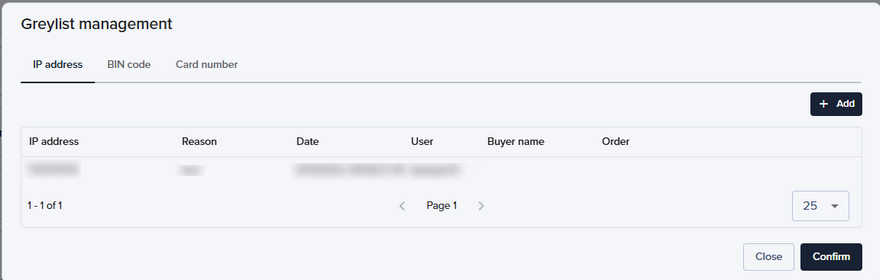
The greylists are organized by tab. Click on the tab of your choice to display the corresponding list.
For each entry in the greylist, the interface lists:
- The IP address, the BIN code or the partially masked card number,
- The reason for greylisting the card
- The date of greylisting the card
- The user who performed the action
- The buyer’s name
- The reference of the order that was used for greylisting